

If you spend eight hours or more working at a desk, you have probably experienced it: a tired lower back, stiff shoulders, or the constant need to adjust your sitting position.
Whether you work from home, code, design, or spend long days in an office, choosing the right chair can make a meaningful difference to your daily comfort.
But what is the best ergonomic office chair for long hours, and which features actually matter?
Rather than focusing only on price or the number of adjustments, understanding the following three elements can help you find a chair that suits your body and working habits.
1. Lumbar Support: Why Is It Essential for Long Hours of Sitting?
Your lower back naturally curves inward. When you sit for extended periods without adequate support, you may gradually slouch or lean forward, contributing to muscular fatigue and discomfort.
Good lumbar support helps maintain comfortable contact with the lower back, making it easier to sit against the backrest instead of continuously shifting forward. Adjustable support is particularly useful for people who work at a desk for several hours each day because body proportions and sitting preferences differ.
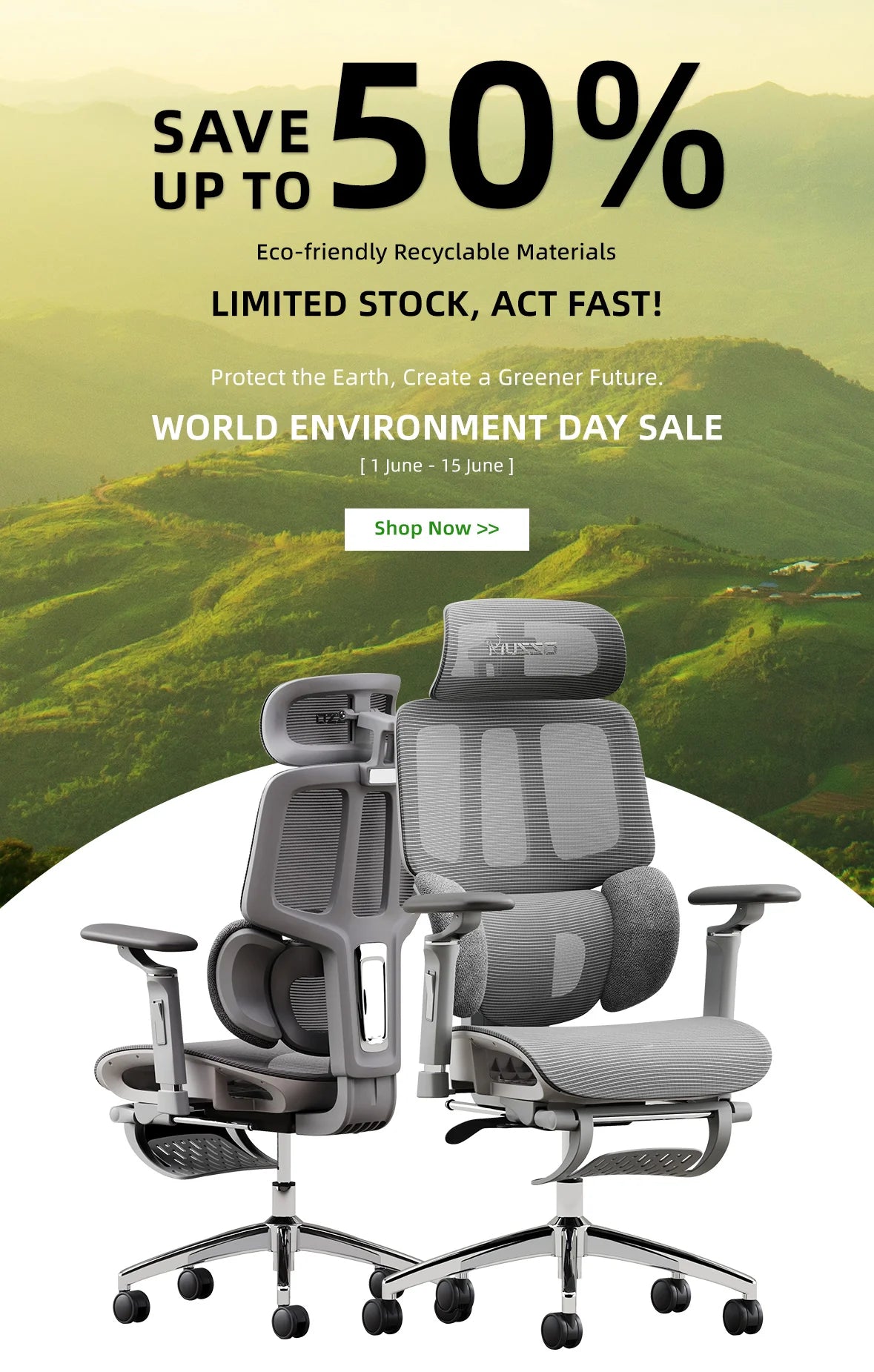
The MUSSO E80 Muse features an ErgoHug™ lumbar support system with adjustable height and flexible support wings, allowing users to personalize their lower-back support.
The MUSSO X700 features GlideTrack™ dynamic lumbar support, designed to follow backrest movement and maintain supportive contact as users change their sitting positions.
Questions to Ask When Testing Lumbar Support
- Does the lumbar support comfortably fit the curve of my lower back?
- Can I adjust its position to match my body?
- Does my back remain supported when I change positions?
What really matters: The best lumbar support is not necessarily the firmest. It is the one that fits your body comfortably and adapts to how you sit.
2. Backrest Recline: Is Sitting Upright All Day Really Better?
Many people believe that sitting perfectly upright for eight hours is the ideal working posture. However, remaining in one position for too long can become uncomfortable, even when the position initially feels correct.
Your body benefits from movement and changes in posture. According to the Occupational Safety and Health Administration (OSHA), changing working positions regularly is important regardless of how good your posture may be.
A reclining backrest helps you alternate between upright working positions and more relaxed sitting positions throughout the day.
What Makes a Good Reclining Backrest?
Adjustable Recline
Different tasks may require different sitting positions. A relatively upright posture may feel suitable for typing, while a slightly reclined position may be more comfortable for reading or taking a break.
Consistent Back Support
The backrest should continue providing comfortable support as the angle changes, especially around the lower back.
For example, the MUSSO E80 Muse offers adjustable reclining positions with a locking mechanism, allowing users to select a preferred angle for working or relaxing.
The MUSSO X700 supports a wider reclining range of up to 150°, combined with its dynamic lumbar system to accommodate different seated positions.
What really matters: The best reclining backrest allows natural movement and supports different postures instead of forcing you to remain upright all day.
3. Seat Cushion: What Makes an Office Chair Comfortable for Eight Hours?
A seat that feels wonderfully soft for five minutes may not provide the same comfort after several hours.
Long-term sitting comfort depends on a balance of cushioning, support, breathability, and suitable seat dimensions.
Soft vs. Firm Cushions: Which Is Better?
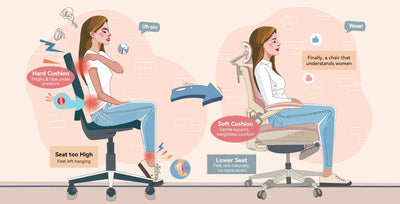
An excessively soft cushion may allow your hips to sink too deeply, while a seat that feels too firm may create uncomfortable pressure. A well-designed seat should provide enough cushioning for comfort while maintaining stable support beneath your hips and thighs.
The MUSSO E80 Muse uses CozyCloud™ high-resilience foam cushioning, offering a softer seating experience with supportive padding.
The MUSSO X700 uses breathable mesh upholstery, making it an option for users who prioritize airflow and flexible seating support.
Why Does Seat Shape Matter?
Even a high-quality cushion may feel uncomfortable if the seat does not fit your body. When choosing an ergonomic chair, consider:
- Seat depth: Enough thigh support without pressing behind your knees.
- Seat width: Adequate room for your hips and natural movement.
- Seat height: Your feet should rest comfortably on the floor or a suitable footrest.
- Seat edge: A gently rounded front edge can help avoid concentrated pressure beneath the thighs.
The MUSSO E80 Muse offers a 45–51 cm adjustable seat depth, a 42.5–50.5 cm seat-height range, and a 52 cm-wide seat. Its 6 cm seat-depth adjustment allows users to customize thigh support, while the adjustable height helps accommodate different leg lengths and desk setups.
What really matters: The best seat is not simply the softest. It should provide balanced support, suitable dimensions, and materials that match your comfort preferences.
Final Thoughts: The Three Features That Really Matter
Choosing the best ergonomic office chair for long hours does not have to be complicated. Instead of being distracted by dozens of features, focus on the three elements that directly influence your daily sitting experience:
- Lumbar Support — Fit and Adjustability: Choose support that comfortably follows the natural curve of your lower back.
- Backrest Recline — Movement and Flexibility: Look for smooth reclining and reliable support when changing positions.
- Seat Cushion — Comfort and Stability: Prioritize balanced cushioning, breathable materials, and seat dimensions that fit your body.
These features work together to provide a more supportive seating experience during long working days.
However, even the most adjustable chair cannot replace regular movement. Standing, stretching, and taking short breaks remain important when working for extended periods.
The best ergonomic office chair for long hours is not the one with the most features. It is the one that fits your body, supports natural movement, and keeps you comfortable throughout your workday.
Recommended Ergonomic Office Chairs for Long Hours
MUSSO E80 Muse Ergonomic Office Chair
Best for: Users who prefer soft foam cushioning and personalized lower-back support.
- ErgoHug™ adjustable lumbar support
- Multi-position reclining backrest
- Soft CozyCloud™ foam cushioning
MUSSO X700 Ergonomic Office Chair
Best for: Users who prioritize dynamic lumbar support, airflow, and a wider reclining range.
- GlideTrack™ dynamic lumbar support
- Up to 150° adjustable recline
- Breathable mesh upholstery